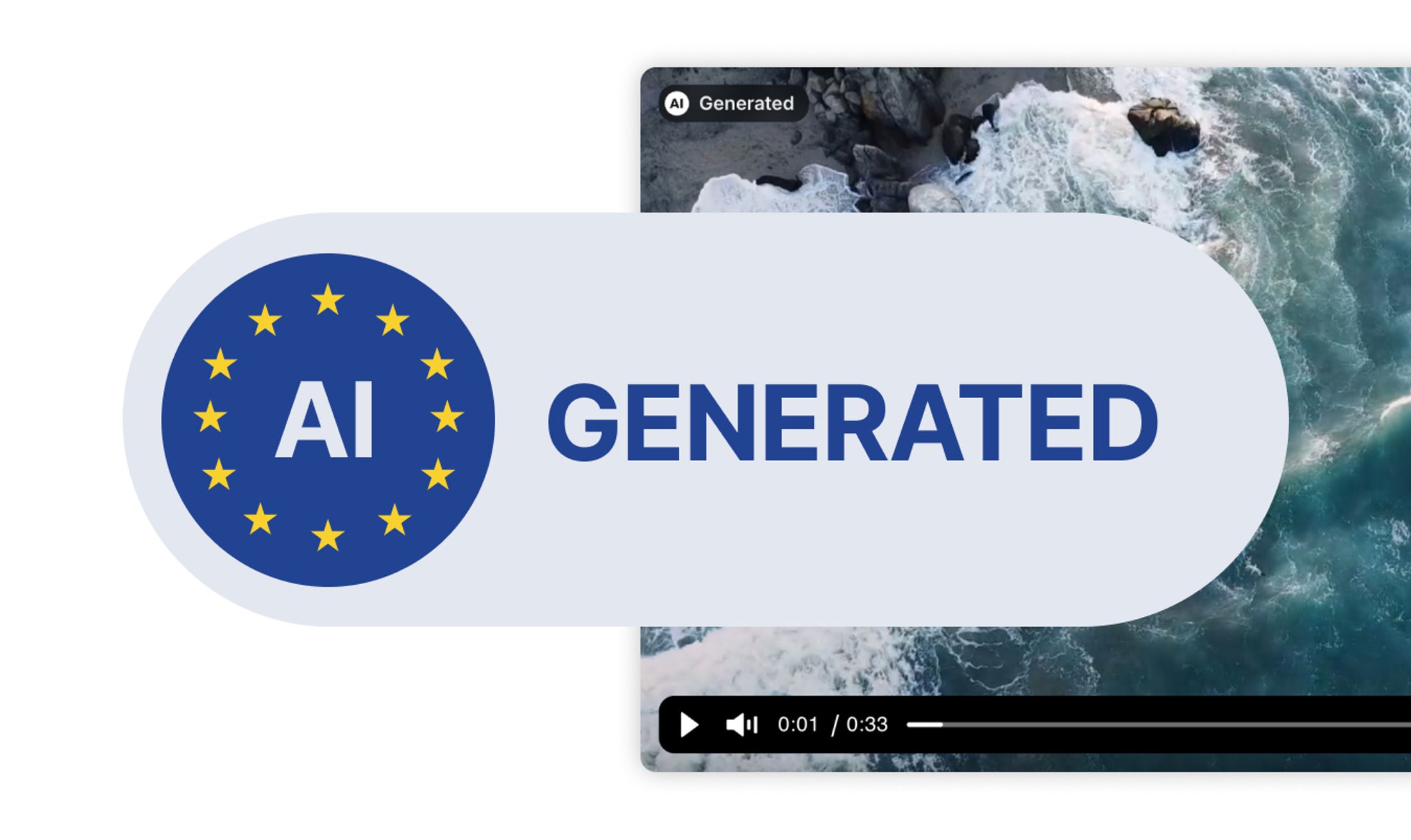
AI labels for videos: how to implement labelling in practice as a company
Which videos need an AI label under the EU AI Act, what the label should look like, and how to implement it simply and accessibly in your player.
Discover our latest articles and insights: product updates, best practices, tutorials and more.
Which videos need an AI label under the EU AI Act, what the label should look like, and how to implement it simply and accessibly in your player.
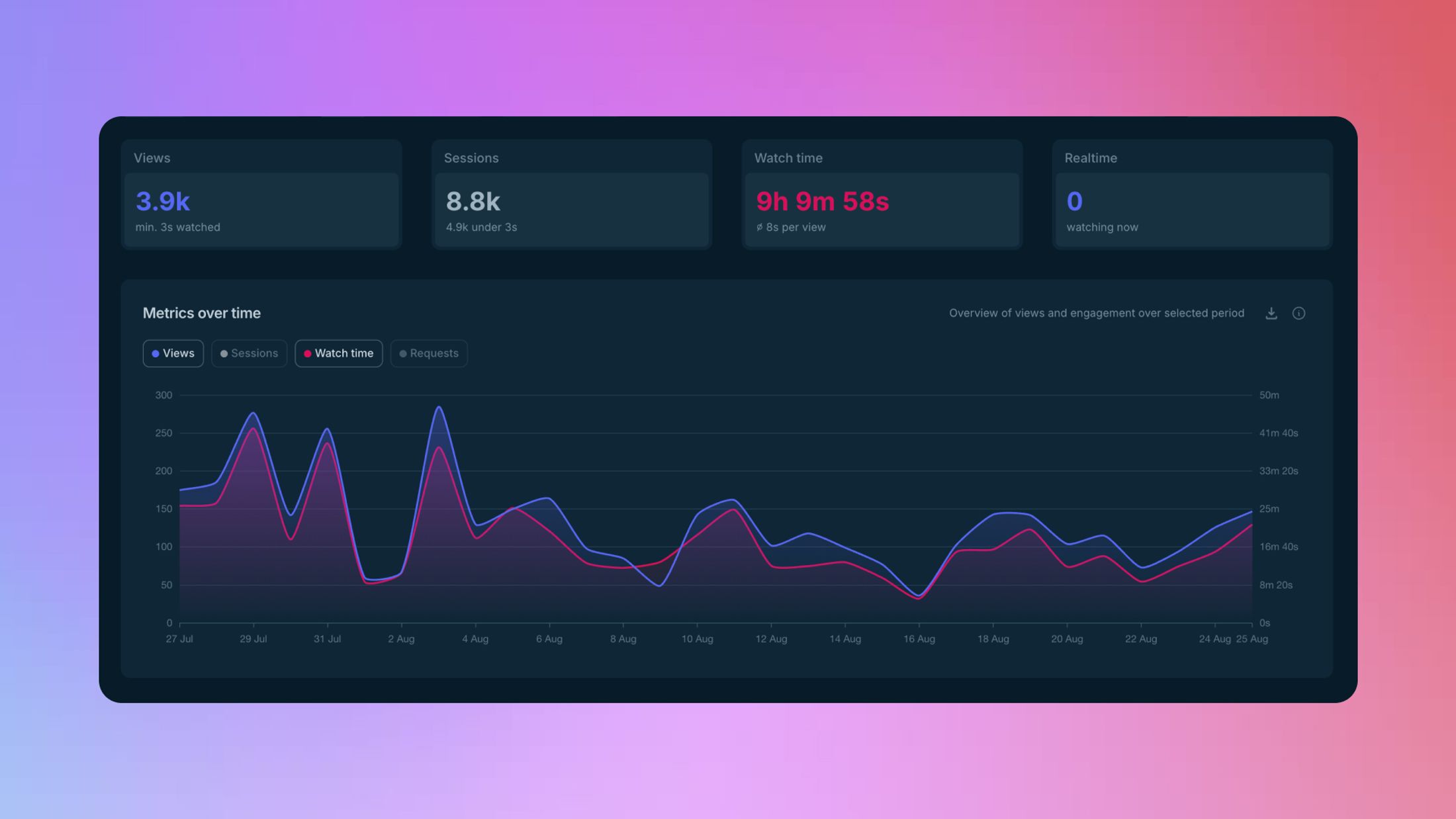
Views, watch time, completions and audience retention are now in Ignite. Real viewing behaviour, measured 100% cookie-free, included on every plan.
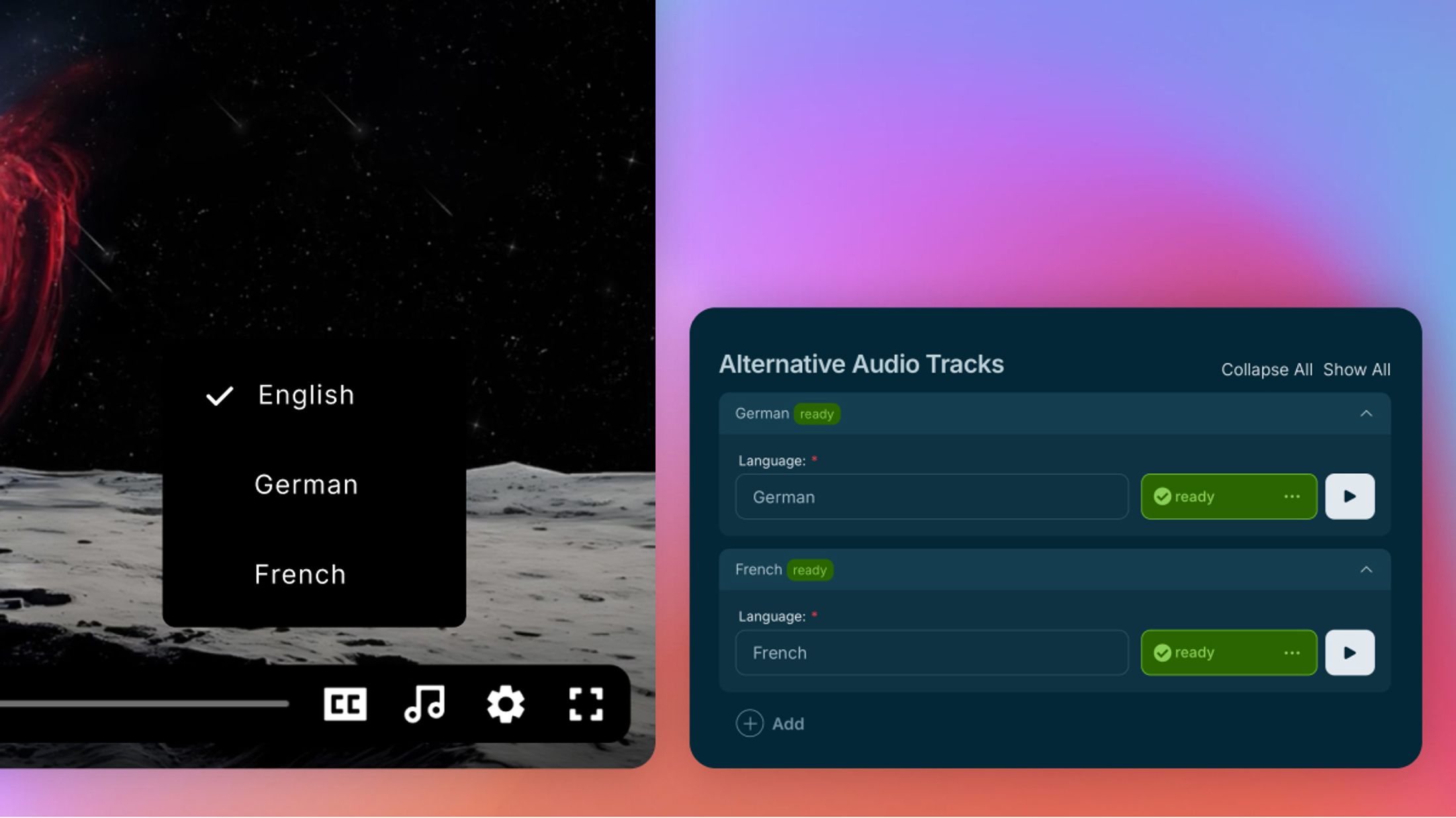
Add audio tracks in multiple languages to any video. Viewers pick their language in the player, or let the browser language decide.
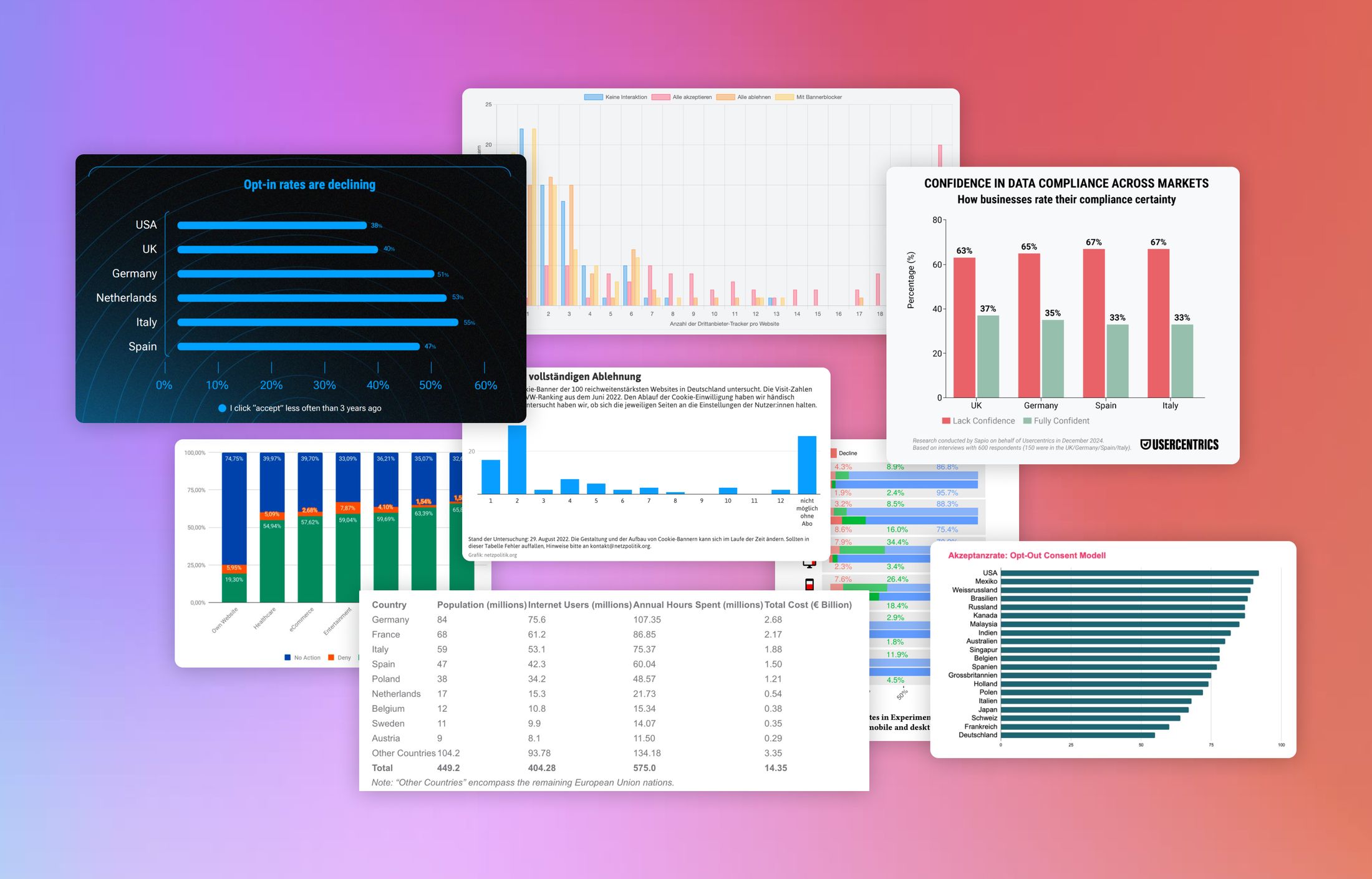
Cookie banners have now become standard on almost every website. But how users actually deal with them, what acceptance and rejection rates look like, and how many banners are truly GDPR-compliant often remain unclear. To bring more transparency, we’ve gathered and analyzed the most important studies from recent years. In total, we’ve compiled 29 studies that shed light on different aspects of cookie banners.
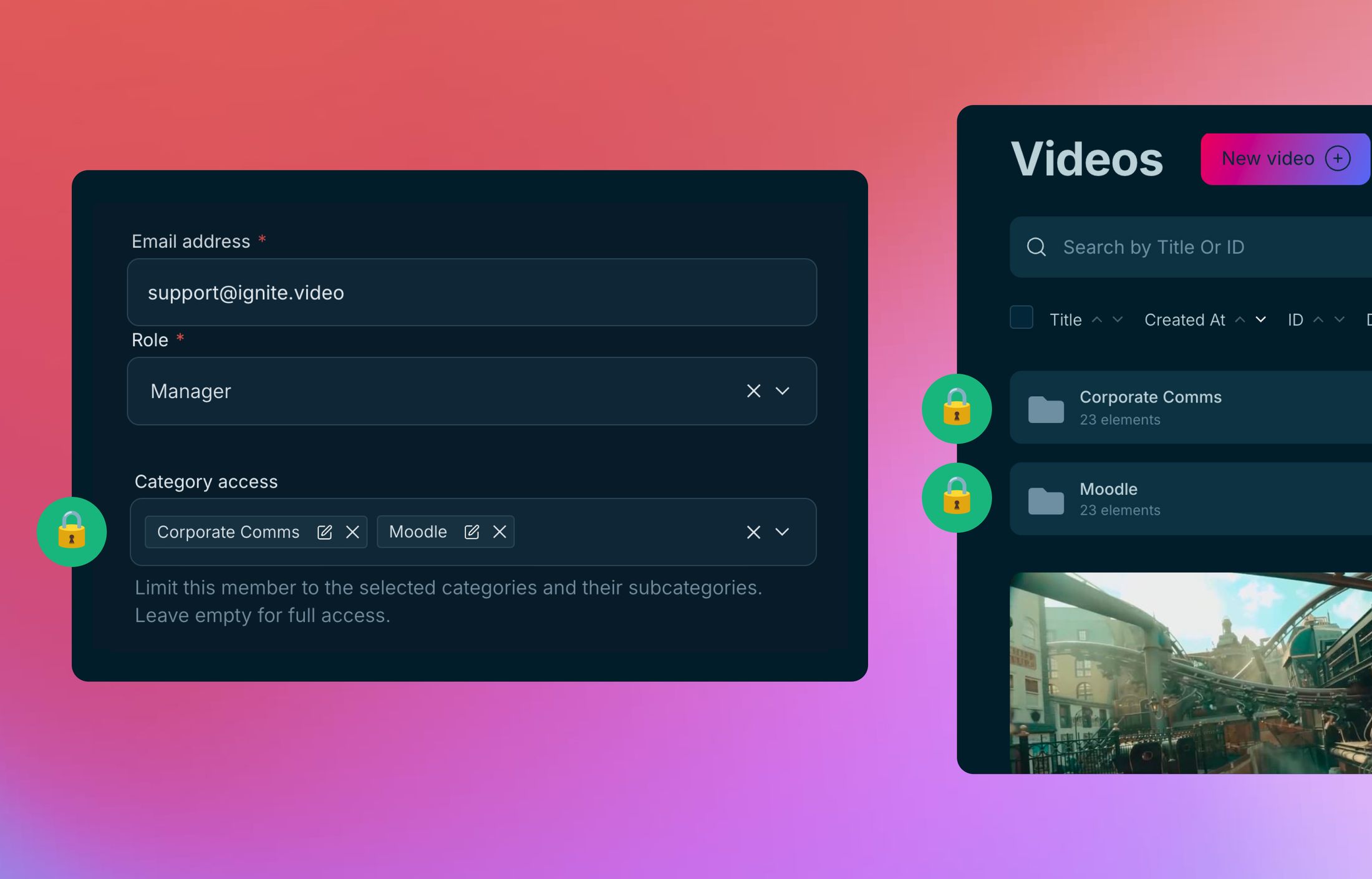
Control who sees and edits which videos. Assign team members as Editor or Moderator per folder. Simple setup, clear boundaries.
A practical guide for anyone who wants to protect their web videos without overcomplicating things. Four protection layers, four risk levels, and an honest answer to the question: How much protection do you actually need?
We've given the uploader in Ignite a proper overhaul. You can now upload multiple files with far less hassle, keep better track of what's going on, and manage everything more smoothly overall.
Ignite is integrated into the Consenter Partner Program and listed as Privacy+. Your videos stay visible even with central cookie rejection, without marketing consent and without tracking.

Visit Ignite at OMR 2026 for premium, fast, and GDPR-compliant video hosting that supports your marketing goals.
Discover 25 Video Hosting Services for Businesses: From GDPR-Compliant Options to Global Platforms. We compare providers like Ignite, Vimeo, and YouTube. The right hosting for every business need.
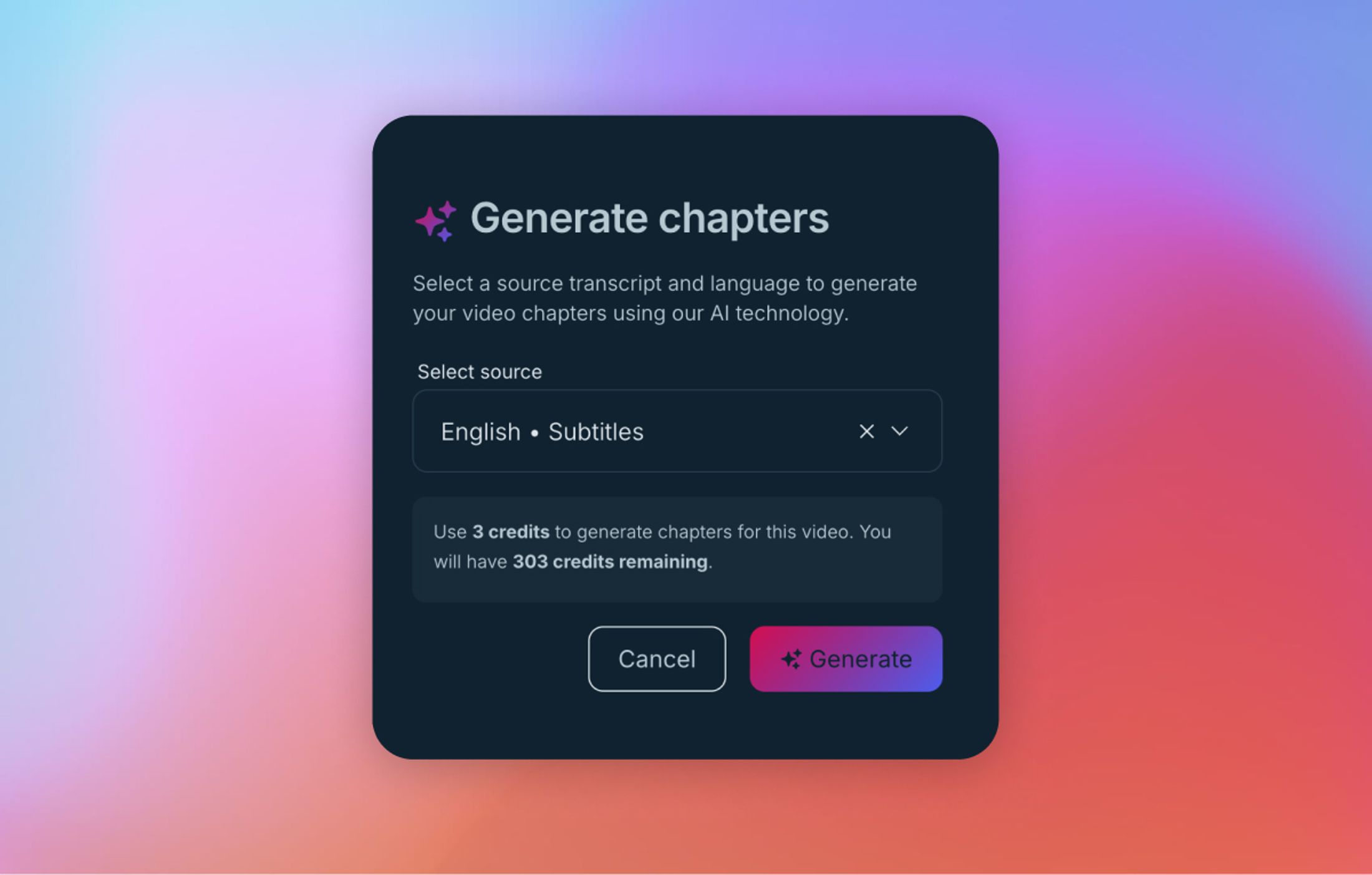
This article explains how AI automatically generates video chapters from subtitles and significantly simplifies the video workflow.
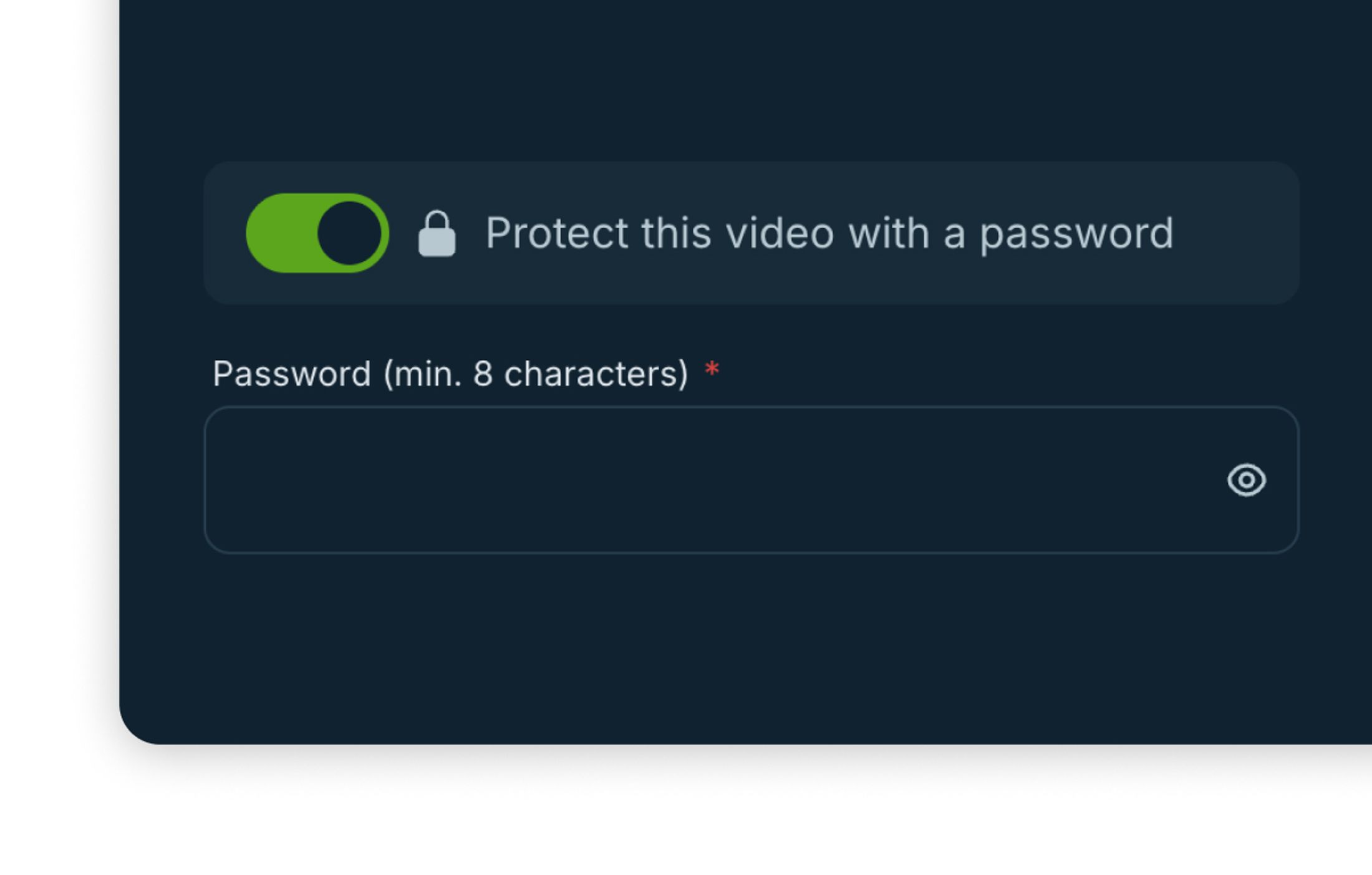
Protect videos with a password, share them selectively and embed them on your website. Learn when password protection makes sense, where its limits are and how to set it up step by step in Ignite.
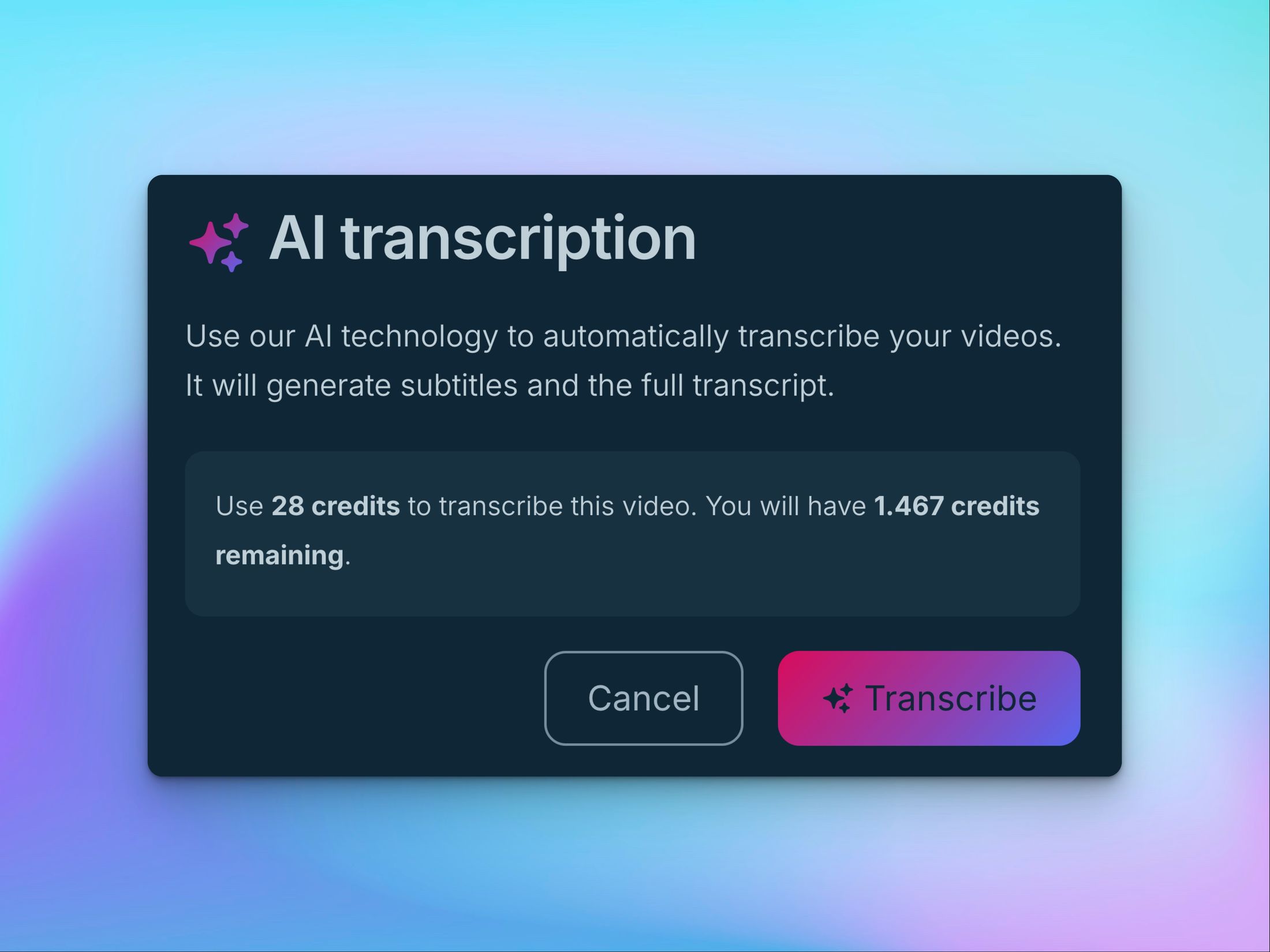
Learn how AI credits in Ignite work – what’s included in each plan, how they’re consumed and when they reset. Plus, practical tips to manage your credit balance efficiently across all AI features.
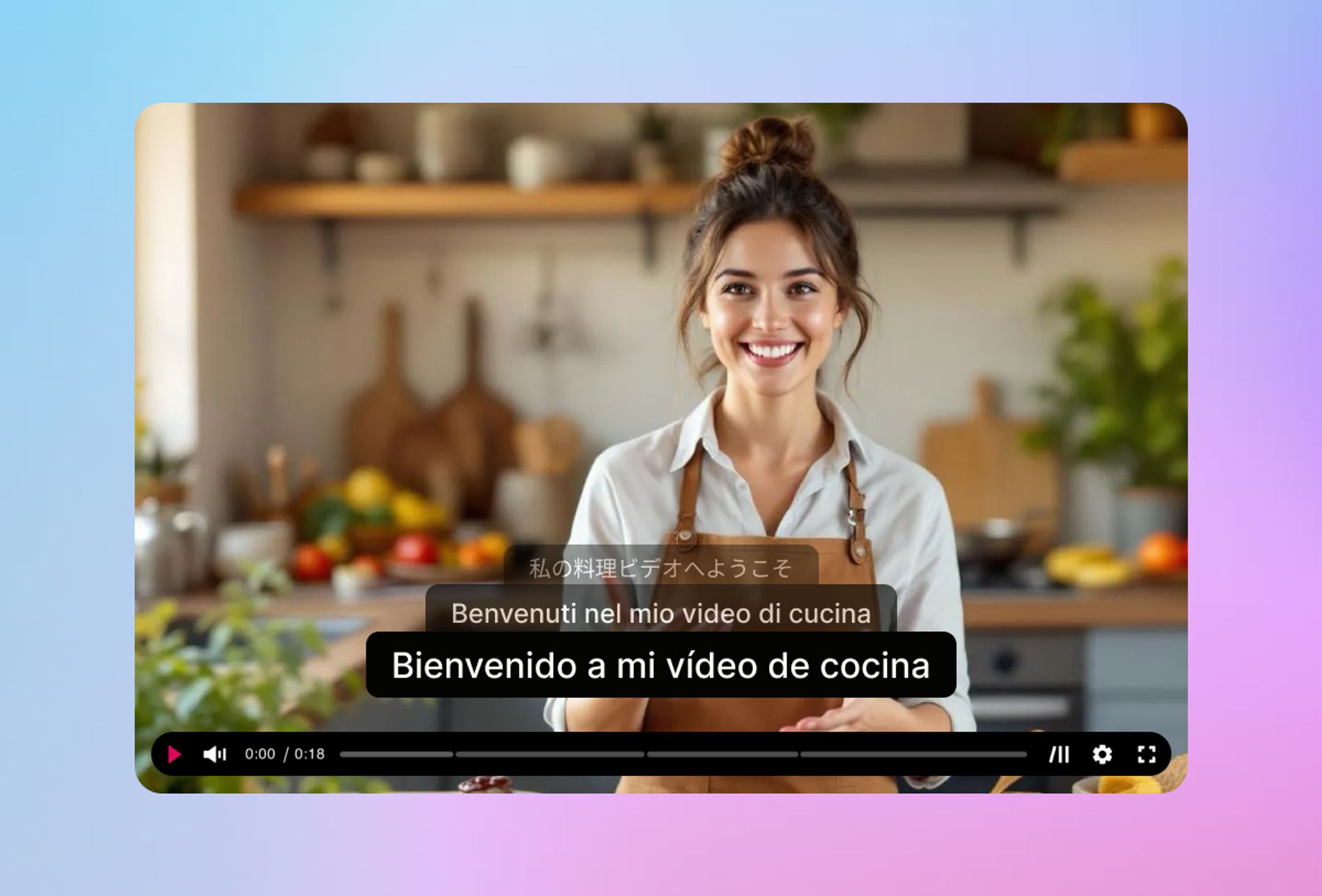
You can now translate your subtitles automatically — right inside Ignite. Simply select an existing subtitle file, click “Translate,” and let Ignite’s AI do the rest. Within seconds, your subtitles are available in over 40 languages.

Learn how to share Ignite videos on social media the right way – with direct uploads, image previews, or website links for reach and control.
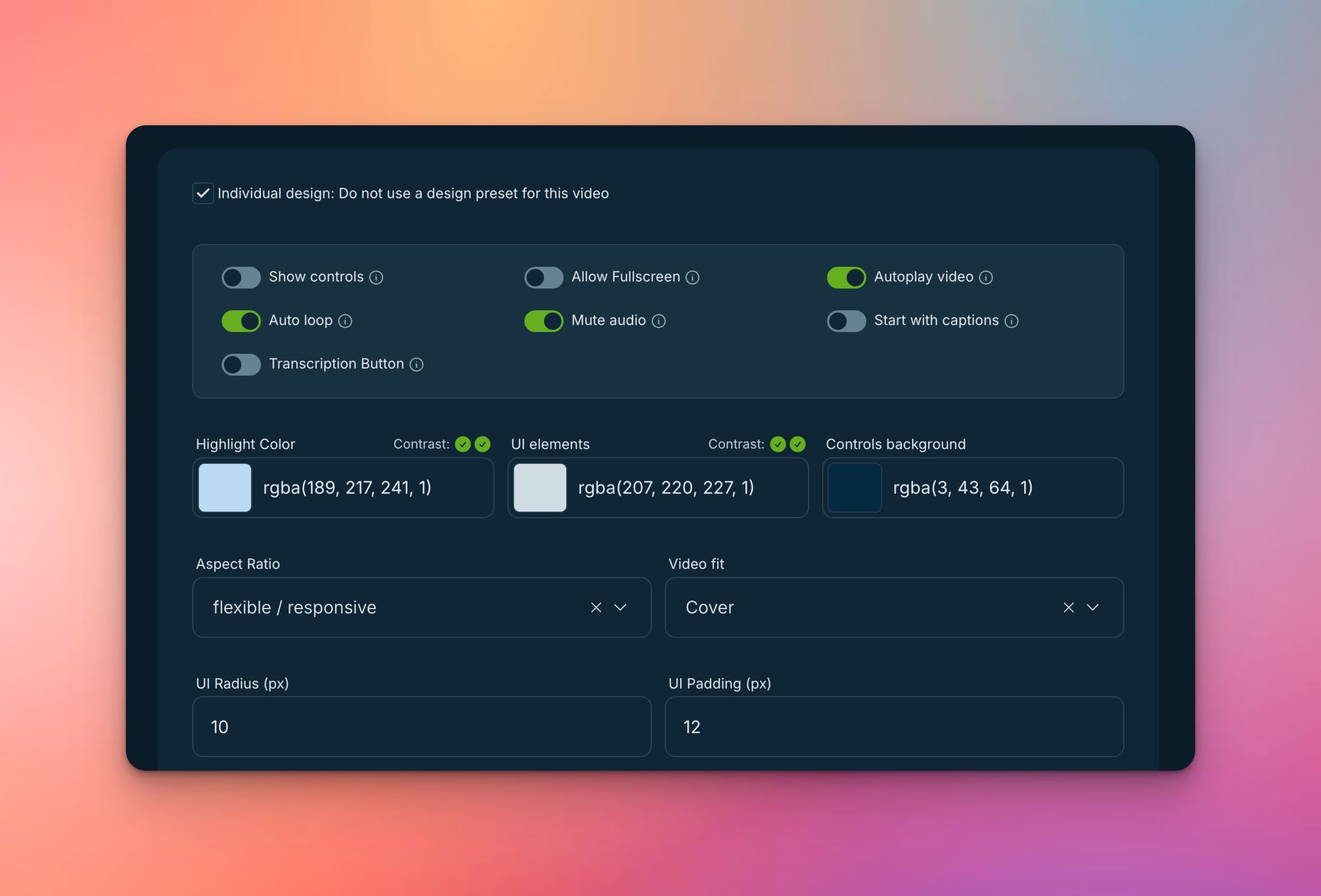
Autoplay can either captivate your website visitors — or drive them away. In this article, we’ll walk you through how to implement autoplay videos in a technically sound, legally safe, and user-friendly way. You’ll find practical examples, best practices, and hands-on tips straight from real customer projects.
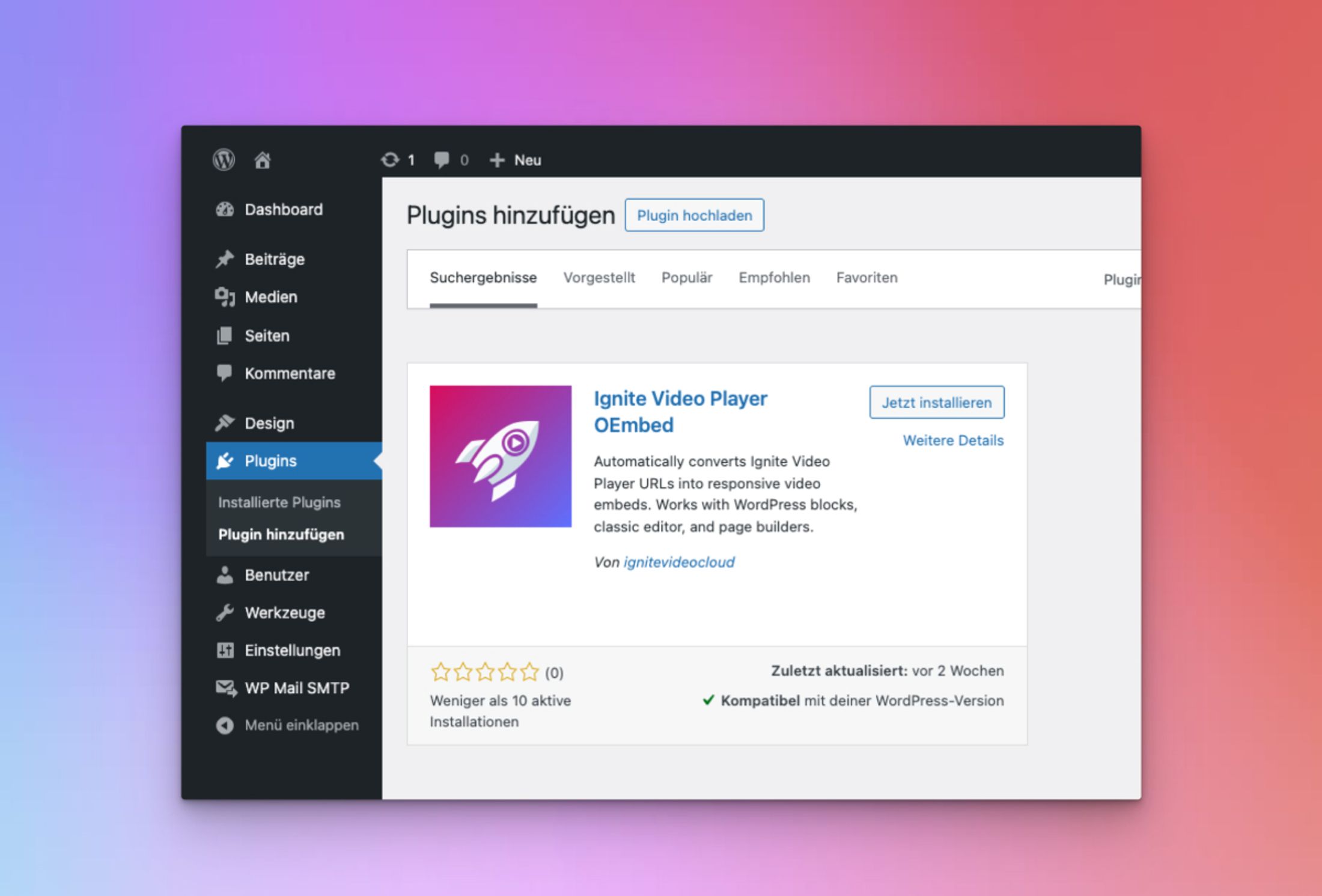
The new Ignite Video Player WordPress Plugin makes adding videos to your website easier than ever. Instead of dealing with embed codes, just paste the Ignite Video URL into your content – the plugin automatically turns it into a responsive video embed.
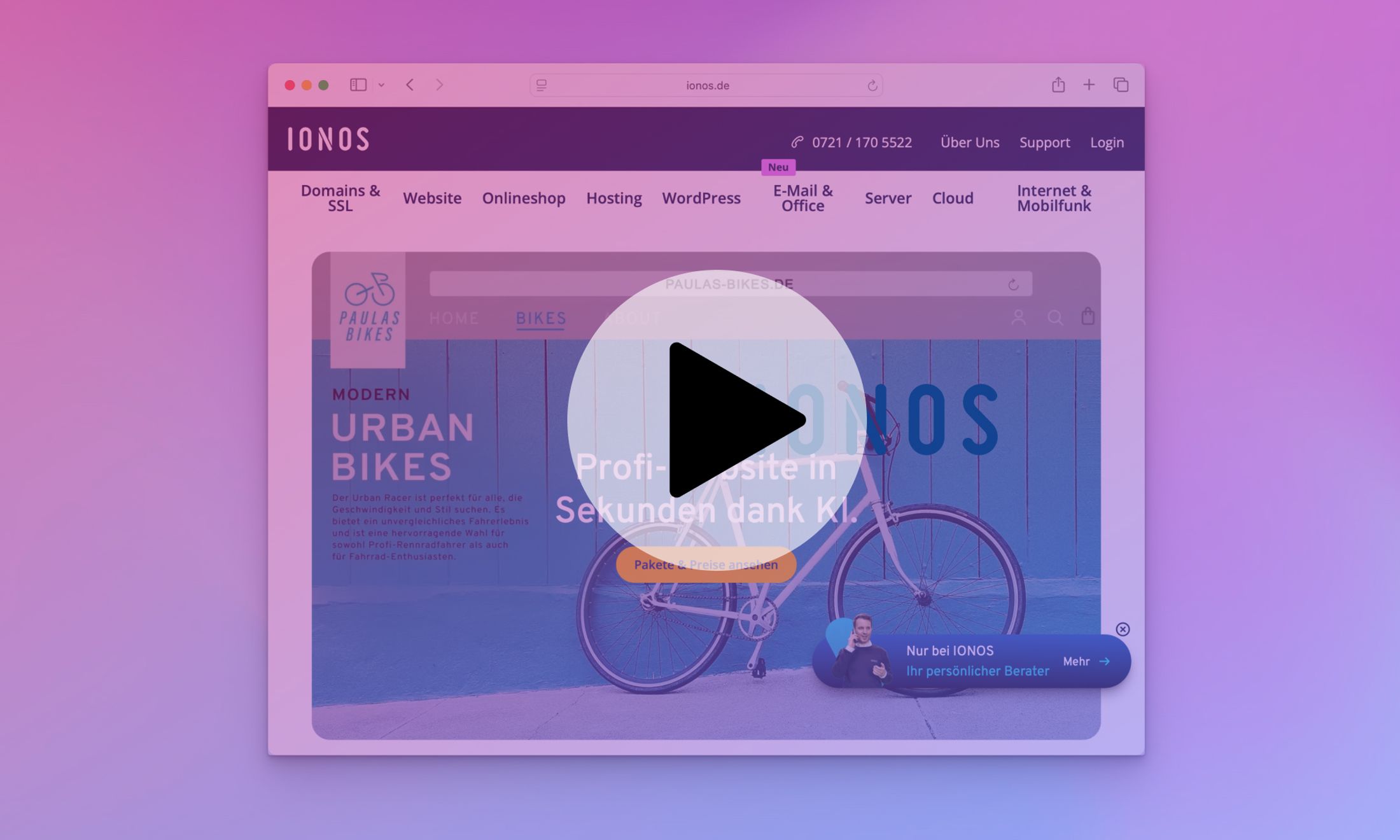
Discover how to embed Ignite videos into IONOS MyWebsite Now. This guide walks you through every step – from choosing the right plan to copying the embed code – all without cookies or consent banners, and fully GDPR-compliant.
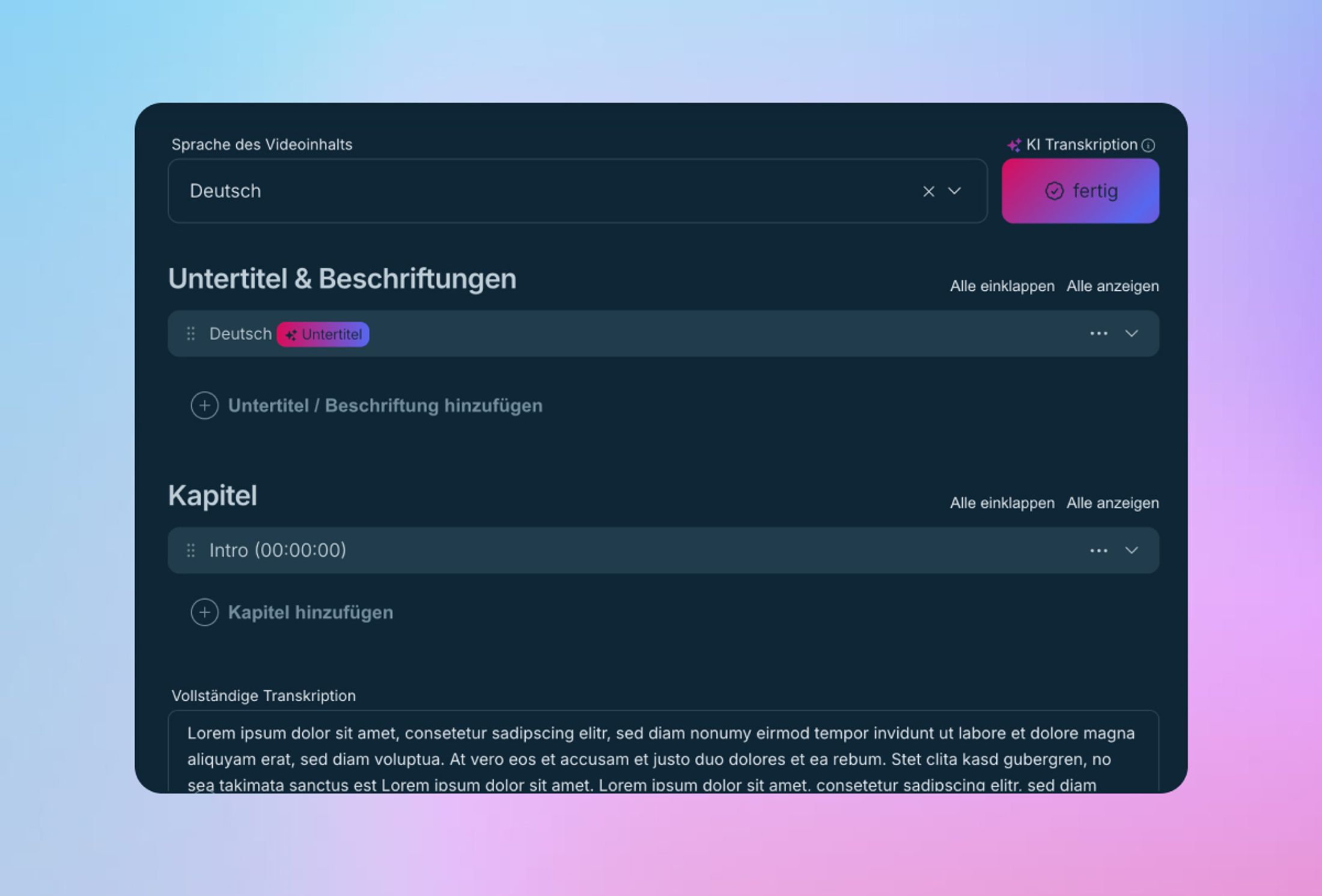
With our new AI feature, you can now generate subtitles for your videos automatically – fast, reliable, and privacy-friendly on servers located in Germany. No tech skills needed, no switching tools – just pick your video, choose a language, hit start, and you’re done.
Learn how to limit video playback to selected domains and prevent unauthorized embedding – simple setup, no complex tools required.
find out more"I have finally found a tool that allows me to embed videos on my website in compliance with GDPR and without additional cookies."
find out more"Switching to Ignite was one of the best decisions for my website. Fast loading, privacy-first, and a seamless experience for every visitor."
find out more"It is great for our users as it makes their experience significantly smoother. We currently use Ignite for all new videos we upload."